Publishing a Password Generation App on the Google Play Store
16 Jun 2021
During my internship, I wanted a side project that I could build in phases, something to help me learn and practice the full app creation cycle from design to deployment.
I'd been looking at security-related project ideas when I noticed that most password generator apps on the Play Store had confusing layouts, looked visually unappealing, didn't enforce any kind of secure password functionality, and didn't even offer pin generation. I figured I could do better, so I set about building my own using Kotlin and Android Studio.
Concepts
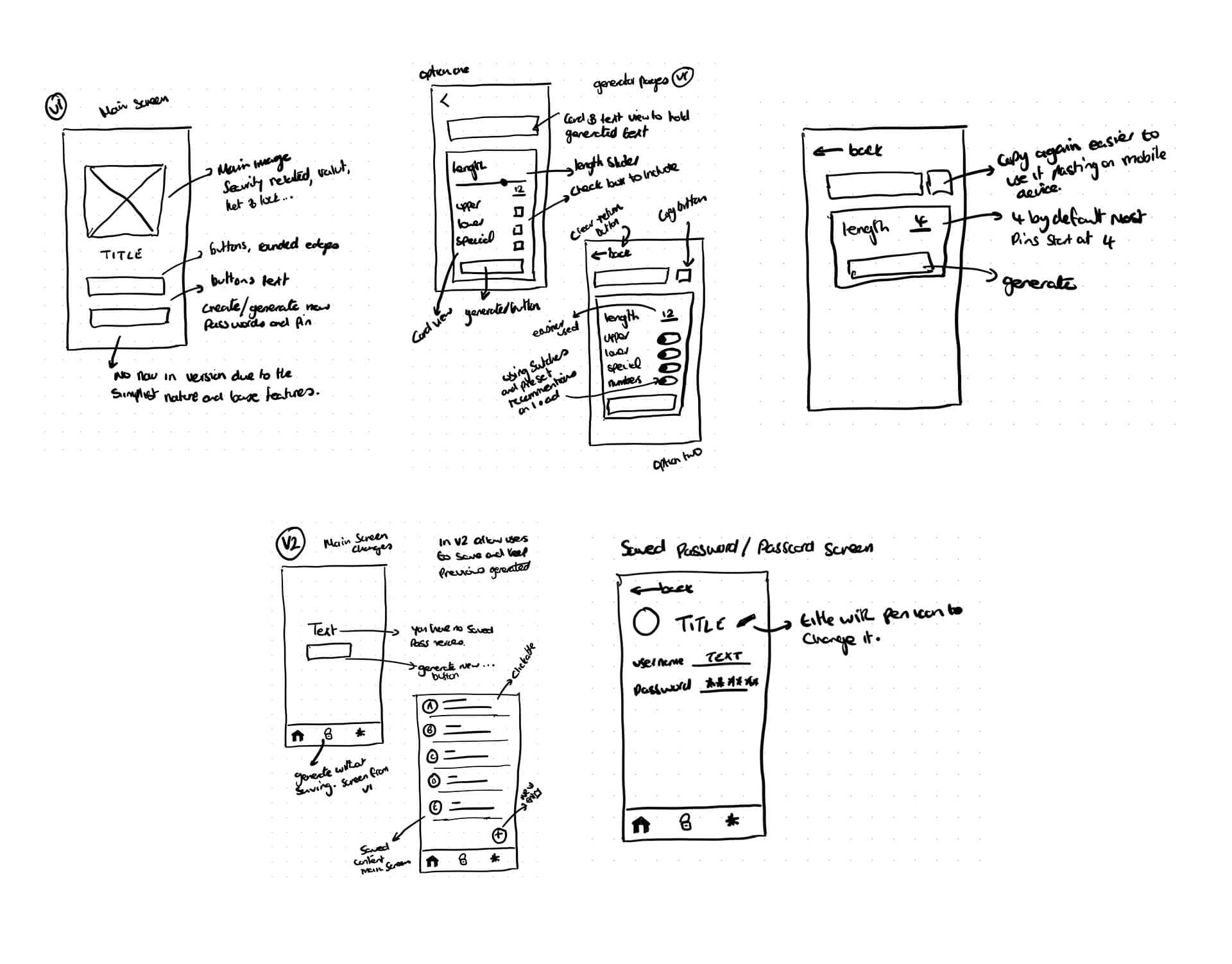
I started by sketching out the screens, trying to simplify the process for the user while still offering the option to generate either a password or a pin. I considered different flows including bottom navigation, and ended up splitting the feature list across two versions to keep the first release focused.
Finding the Look
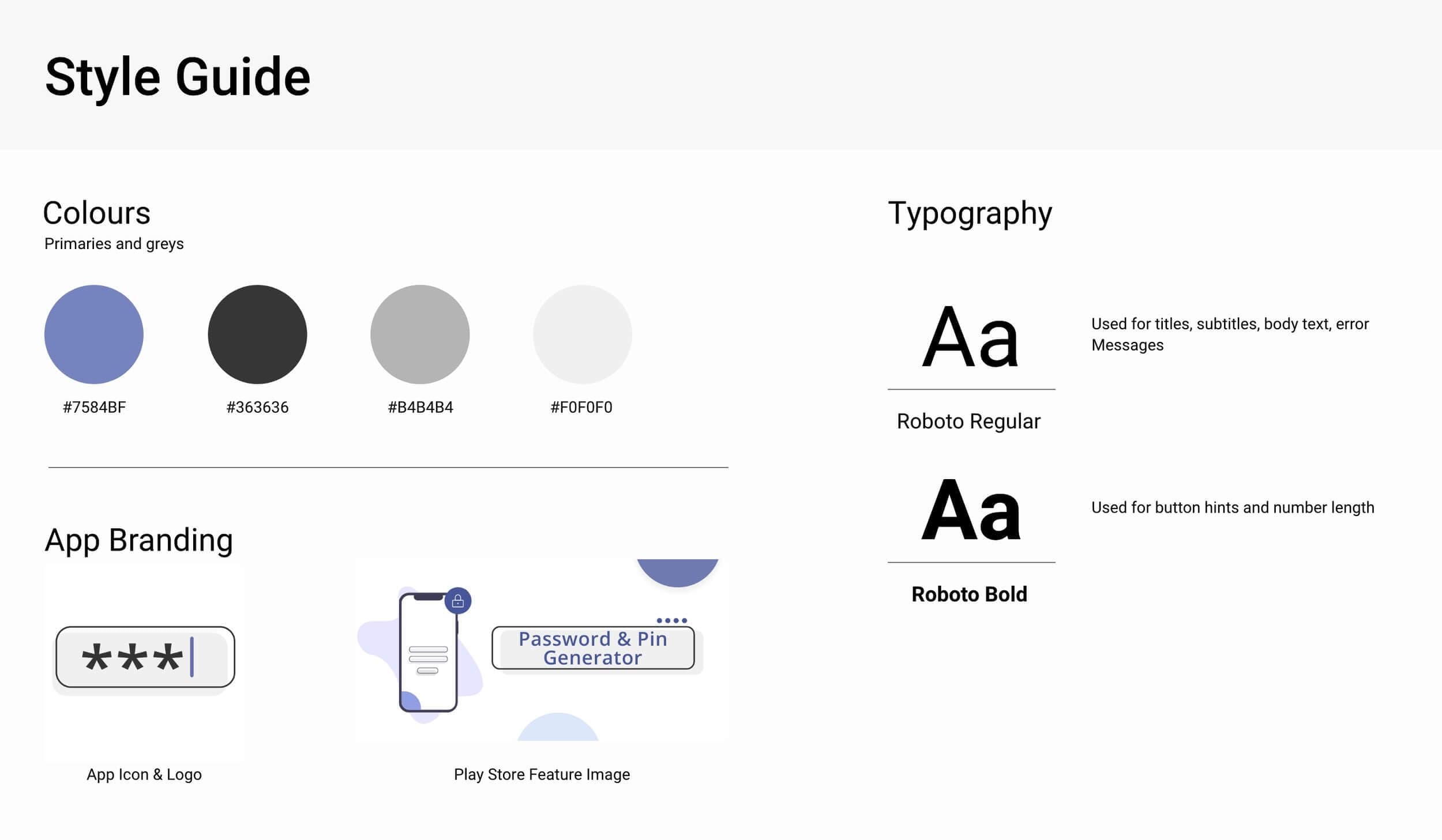
For the visual direction, I leaned on Google's Material Design guidelines to keep things clean and approachable. I wanted the app to feel minimal, so I went with card-based elements throughout.
Final Screens
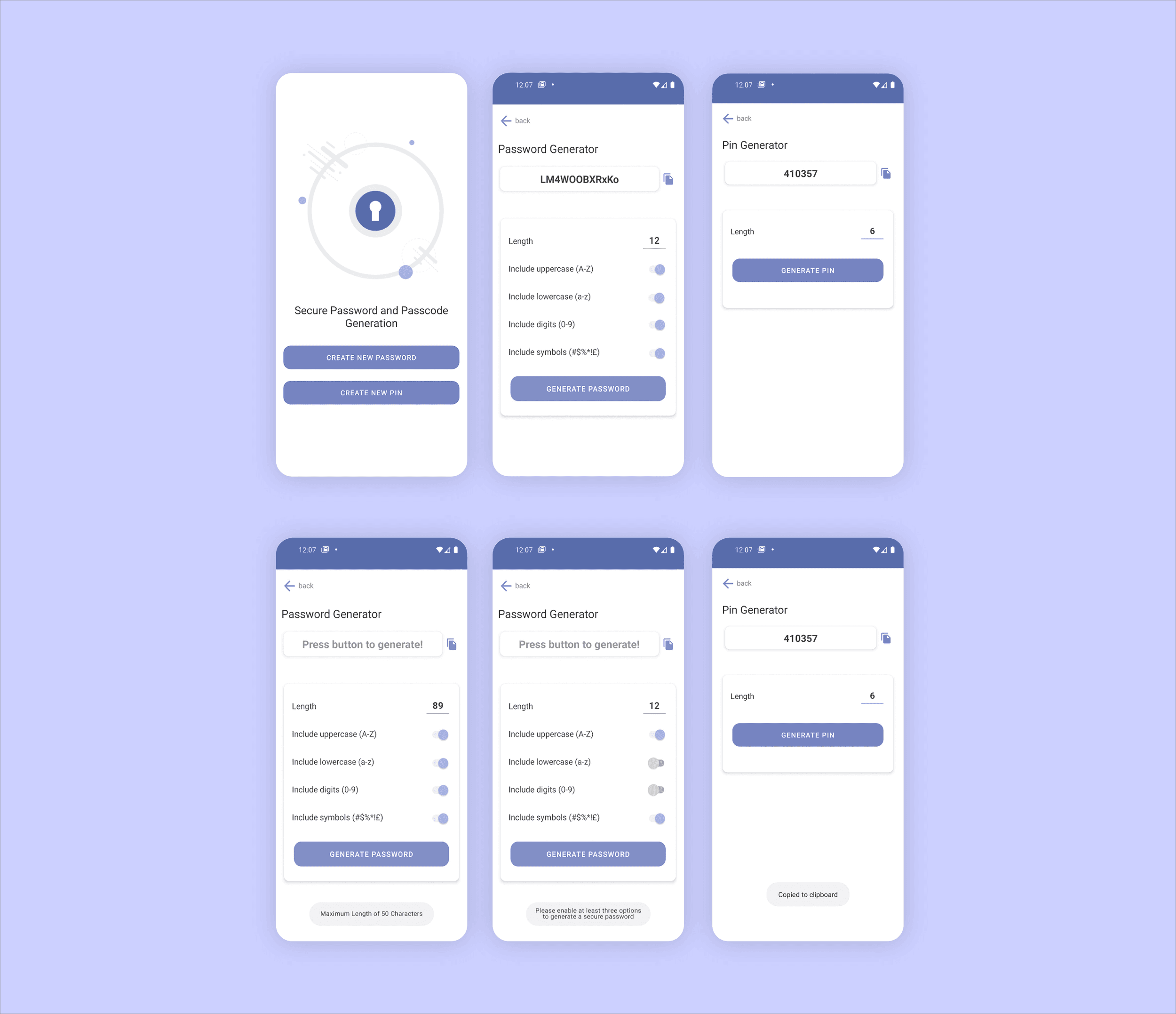
After a few rounds of iteration, these are the screens I landed on. They cover the main flow as well as the feedback and error states when the user generates a new password.
Getting It Live
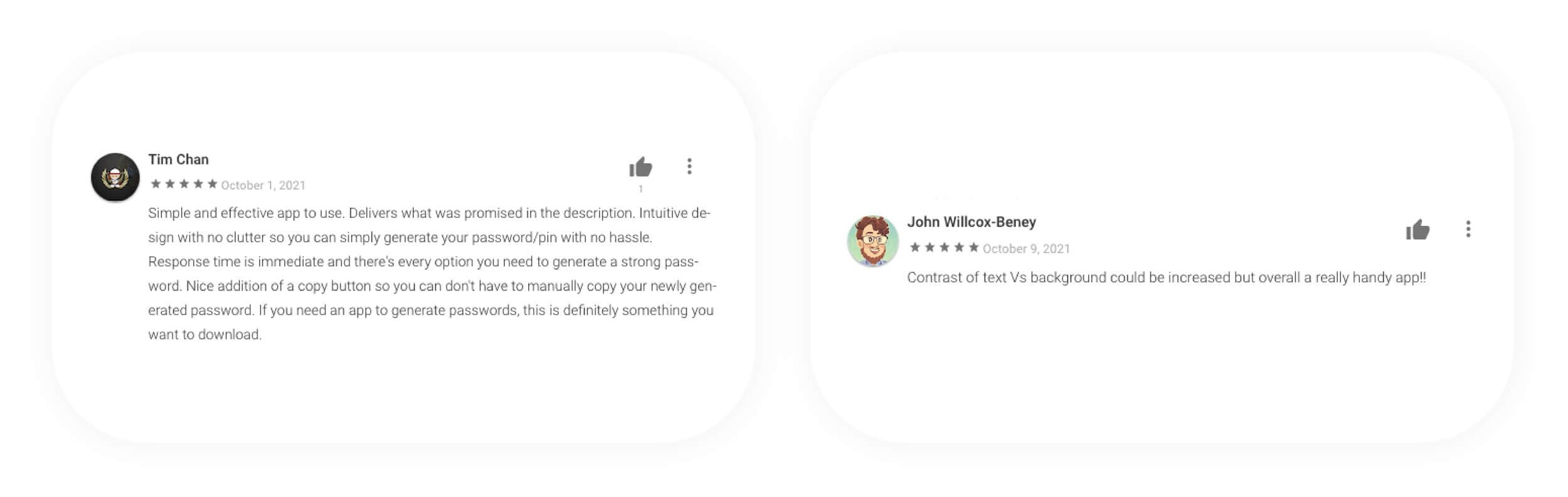
The app is now live on the Google Play Store. I've had positive feedback from senior developers on my team, and more importantly, positive reviews from actual users.
Reflection
I gained a lot of understanding of the end-to-end process from design to shipping. It made me more confident in my ability and gave me an insight into how designs get translated and implemented in code. Looking ahead, I want to reflect on the user feedback, iterate on the version two designs, and start building them out.